
Mobile App: Attempt Drafts and Poor Cell Coverage
If you are in an area with poor cell coverage, you can save your attempt and the captured photo as a draft to upload at a later time.
When creating an attempt, press Save Draft to save the attempt including any entered details, captured photos, and GPS information.

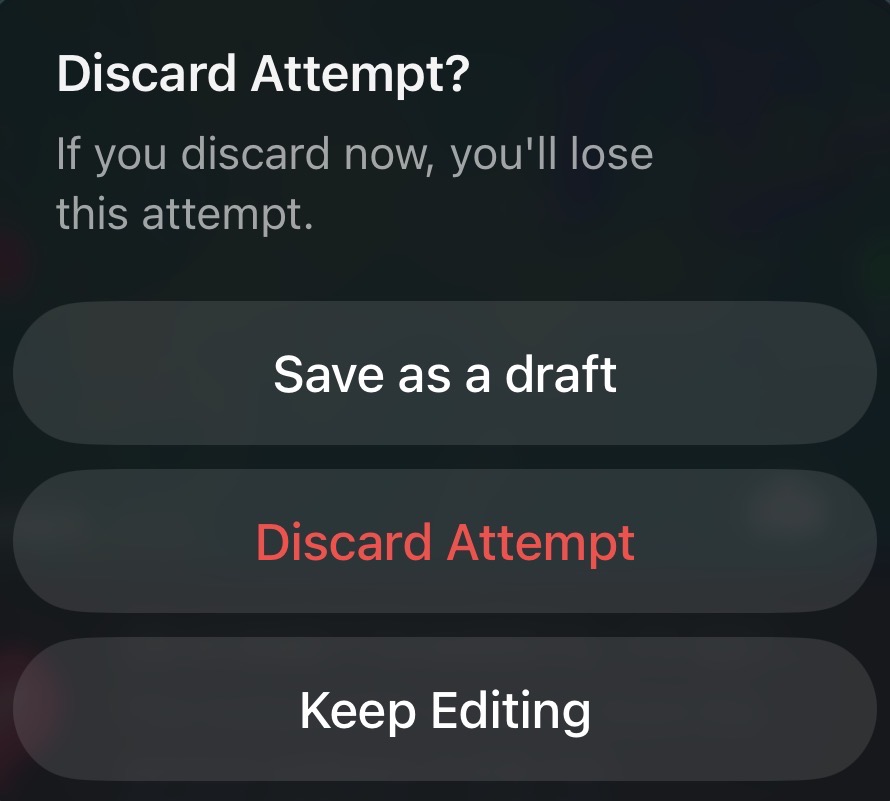
Alternatively, when pressing Cancel a pop-up menu will appear with options to Save as a draft / Discard Attempt / Keep Editing
From the Jobs list, the New Attempt button will change to Resume Attempt so you can finish entering any attempt details and save the attempt

You can save an attempt draft at any point, sometimes servers will want to save a draft if they are in an unsafe area and wish to finish their attempt at a different location. Attempt Drafts ensure that your data is secure and saved to the system in case of any circumstance.
- Updated Sep 30, 2026