
Mobile App: Add GPS Watermark To Photos
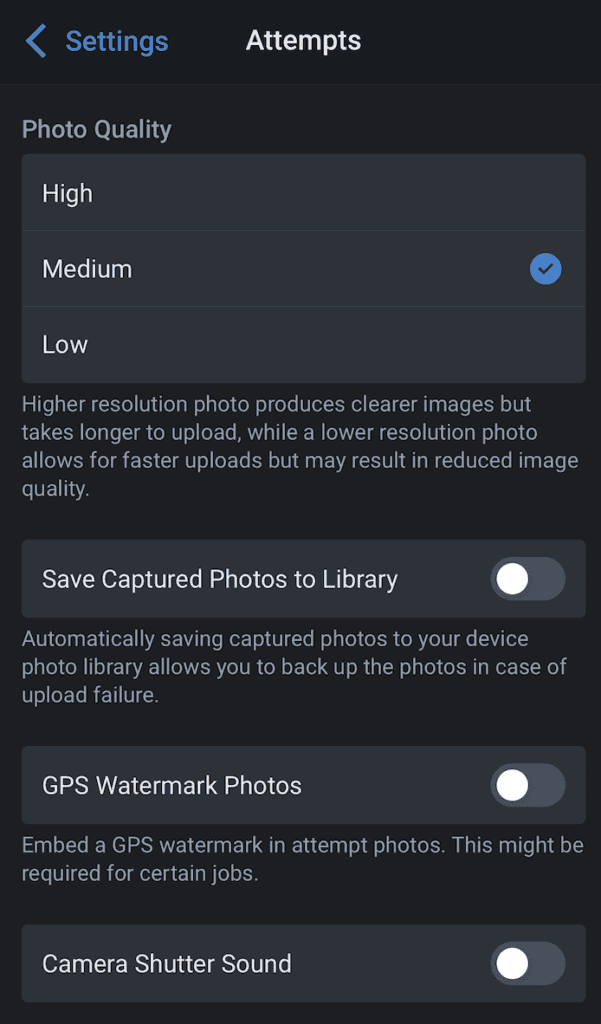
Go to Account > Settings > Attempt Preferences > Enable GPS Watermark Photos
When capturing a new photo for your attempt, your GPS location will be displayed directly onto the captured photo.
- Updated Aug 10, 2026